


"Tutoring is so fascinating. It's a fulfilling experience." -Chris Heacock
Since the start of the pandemic, we've all been forced to get used to online tutoring and how it works. With many schools closing and moving teachers to conduct classes online, parents and children were obliged to embrace e-learning. However, even before COVID-19, many parents struggled to find tutors in their local area to help their children stay ahead in their academic pursuits.
While some of the more tech-savvy parents turned online to find tutors, as technology advanced to make lessons more productive and satisfying, they were ready to accept the challenge of instructing their children about online tuition.
But have you ever thought about becoming an online tutor? Have you considered enlisting your academic services on Superprof?
Without leaving your home, you can supplement your income by becoming a tutor and instructing others about a topic that you are passionate about. Also, if you're still working on your undergraduate degree, providing private tuition is a way to earn some extra pocket money to pay for additional expenses.
In today's article, we'll discuss becoming an online tutor on Superprof and how money can be earned through private tuition.
Want to give private lessons?
Join the Superprof community and share your knowledge with interested and motivated students.
What Equipment Do You Need to Teach Online?
While it is true that teaching in a classroom, face to face with your students, can make it easier to understand how they are feeling, online teaching can also create a strong connection between tutors and students. In a physical classroom, you can notice expressions of confusion or boredom, as well as those moments when a student finally understands a difficult concept.
But what about online classes? Is it possible to experience the same connection with your students? Yes. However, to pick up on these visual and audio cues online, you need reliable equipment that allows you to see and hear your students clearly.
Fortunately, online communication technology has developed significantly in recent years. Better webcams, microphones, computers, and internet connections have made online lessons easier to conduct and follow than ever before.
To avoid technical problems and frustrating interruptions, online tutors in the Philippines should invest in reliable equipment. So, what do you need?
The following list highlights some of the essential equipment that online tutors should have:
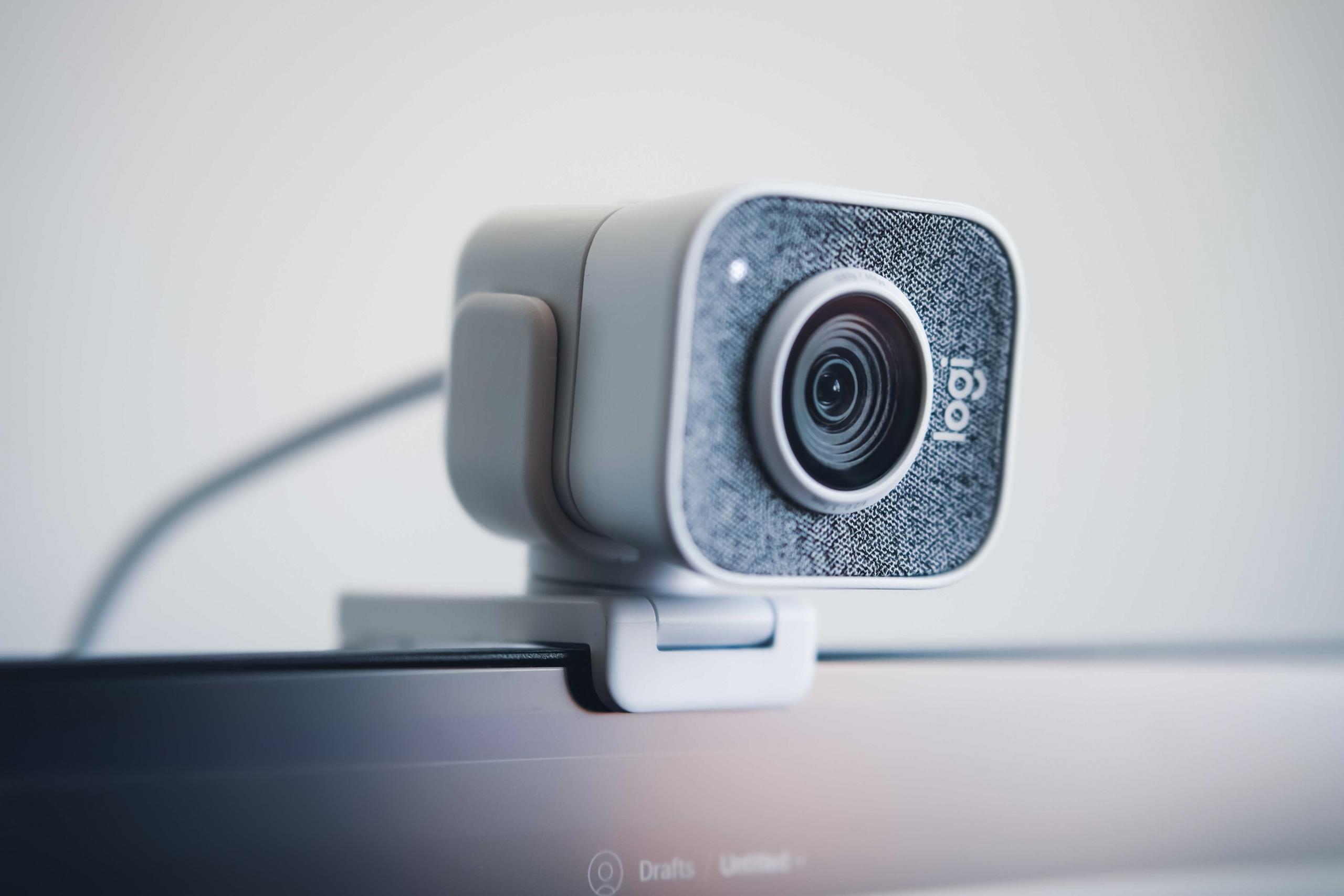
- A Quality Webcam: A good webcam allows your student to see you clearly during lessons. Since visual communication can be important for teaching, an HD webcam is a good investment. Many modern laptops already have built-in webcams that are suitable for online lessons, but make sure yours provides a clear image. Always test your webcam before starting your first lesson.
- A Headset: Although wireless earbuds are convenient, a good-quality headset can provide clearer and more stable audio. This is particularly important when explaining complex topics or communicating with students for extended periods. Choose a headset with a reliable microphone and comfortable fit, especially if you teach several lessons each day.
- A High-Quality Computer: Since you will rely heavily on your computer to conduct online lessons with students remotely, you need a reliable laptop or desktop that can run video-conferencing and teaching platforms without interruptions. Make sure your computer meets the technical requirements of the platforms you use and has enough processing power and memory for smooth online classes.
- A Reliable Internet Connection: A stable and fast internet connection is essential for online tutoring. A poor connection can cause video and audio interruptions, making it difficult for you and your students to communicate effectively.
With the right equipment and a reliable setup, you can provide professional and engaging online lessons to students across the Philippines, wherever they are located.
How to Ensure a Stable Internet Connection while teaching online?
As we have mentioned in the previous subheading, electronic equipment is essential, but it's not enough. How's that? Well, because without a stable and robust internet connection, your expensive and high-quality devices are as good as garbage. It is a tutor's responsibility to ensure that you and your student's connection is strong enough for uninterrupted video streaming lesson after lesson.
If you are considering working as an online tutor, you seriously need to call your internet service provider to up your plan and ensure that your upload and download speed is of the best quality.
Also, avoid tutoring from cafés and restaurants. Their connections are rarely fast enough to support video streaming, and in many cases, they're not secure, meaning anyone could hack your session. By having a repeat spot in your apartment or house that you continually teach lessons from and near your router, you are lowering the chances of having a poor internet connection.
Additionally, by making sure that you are the only one connected to the internet in your household when you're giving lessons, you are ensuring a stable connection, even if this does sound extreme!
Remember to test your internet before starting lessons so that you aren't dealing with a connection issue right before class starts and the student is waiting for you.
While it may not seem like an "internet connection" issue, if you conduct online tutoring sessions for children and teens, parents are reassured when they know that your online service is safe and without harm for their kids.
Learn to teach English online jobs here.
Which Websites Have the Best Learning Resources?

With so many education websites currently available, it may seem like quite a challenge to select only a few to find helpful resources to complement the learning experience of your online pupil. So, without further ado, to make finding resources much easier for new tutors, the following websites boast excellent learning material for students of all levels and ages:
- BBC Bitesize: used by students of all ages, BBC Bitesize boasts tutorials and learning manuals that touch on subjects such as chemistry, physics, school English, maths, and history, to name a few. The format and structure of each "Bitesize" are great for teachers to instruct and students to learn from.
- Khan Academy: though it's American and not British, Khan Academy is a non-profit education company with many instructional articles and learning guides on various topics. Khan Academy works for teachers and students alike because of its personalised learning pathway, trusted content, and helpful tools that empower.
It's worth stating that all of the previously mentioned sites have information for more than one academic discipline or topic of interest.
Check out jobs for ex teachers here on Superprof.
Want to give private lessons?
Join the Superprof community and share your knowledge with interested and motivated students.
What Are Some Software Programs and Organisational Aids for Online Tutors?
Though we mentioned some effective learning websites that can help tutors plan lessons on various academic disciplines, it's worth stating that to meet the need; there has been a veritable explosion of online teaching software; you need a subscription for some and others you don't.
It's worth mentioning that to become a successful tutor, you need to familiarise yourself with software programs and organisational aids that facilitate your tasks and make lesson planning and conducting more efficient.
Studies show that both primary and secondary school students prefer online tutors who use interactive software such as whiteboards and collaborative work programs such as Google Docs.
Your choice of interactive software depends on your knowledge of a system and your teaching methods. However, to make finding a learning software easier, you might want to ask yourself the following questions:
- Will I need to send documents and receive some from the students?
- Do we need a space to draw things?
- Do you need a chat box to copy/paste important information?
- Will I need to record my tutoring sessions?
While many websites and tutoring platforms boast various functions to make conducting lessons with a student more manageable, unfortunately, there is no all-inclusive tutoring platform that includes all of the features necessary for online classes. So, it is required to download and use various software and programs. Such as?
The following list mentions the various software and aids that a personal instructor will need to use as well as the best options for each category:
- Videoconferencing Platforms: the structure, setting, and sequence of online tutoring sessions would be incomplete if it weren't for a high-performing video meeting platform. Therefore, tutors need to try out various video conferencing apps to find the best one that suits them, and that is widely enough used so that students already have an account. We powerfully suggest using Zoom, Skype, Slack, or WebEx. Lots of tutors use these platforms to organise videoconferences and online tutorials. Google Talk is also highly recommended by experts in the e-learning biz.
- Tutoring Site: to market yourself and find potential students in today's world of technology, you need to be using a tutoring community website. When it comes to finding a site to post your tutoring profile on, there is only one suggestion that we have for you: Superprof. With over 17 million tutors conducting academic learning sessions in 1000+ topics, you won't be disappointed when using Superprof.
- Storage Apps: to create lesson plans, add PDF files and e-books, we powerfully suggest using sites such as Dropbox or Google Drive. These organisational aids will allow you to share files and edit the homework of others.
- Whiteboard or Drawing Software: although video meeting platforms such as Zoom and Skype have whiteboard and drawing options, you may prefer to use another software or site. Such as? We suggest Open-Sankore and Whyteboard.
By getting all of the previously mentioned software downloaded on your computer, you prepare yourself for success.
How to Create Lesson Plans Tailored to Your Student's Level
After you've prepared yourself with all the electronic equipment and software systems to conduct your first lessons, the next step is planning lessons after you have landed tutoring jobs.
Knowing the different academic difficulties and struggles that students face and putting yourself in their shoes will make you more effective when planning lessons.
Some pupils might need help mastering basic maths or school English concepts while others need homework help, a test prep tutor, or guidance through the admission process of a specific university.
To meet the needs of the most number of students, you need to develop your tutoring business by taking into practice the following tips:
- Keep a learning journal for each student,
- Put together a study schedule that works with your student's timetable, and that boasts a variety of openings on weekends and evenings (if need be),
- Be sure to talk with parents of your student to learn what they expect from their kid's tutoring sessions,
- Be punctual and make sure your sessions start on time consistently,
- Offer structured online tutorials,
- Provide online worksheets and materials to support their classwork,
- Act as your students' educational advisor and trusted friend that they can rely on,
- Listen carefully to your student and adapt your course content and teaching style accordingly,
- Keep your students motivated by utilising engaging and interactive methods,
- Provide regular assessments on your students' progress,
- Organise intensive revision sessions ahead of exams and during the school holidays.
Teaching students remotely isn't that different from one-on-one tutoring that takes place in person. Even if you're not in the same room together, your students rely on you to provide honest, accurate, and helpful feedback to them at all times.
To assess their level and skills, if not electronic, ask them to scan copies of their work and share it with you so you can go over it with them during your next lesson; this will help you better tune your lessons to the work your students do in their classes at school.
By constantly working on your skills and making an effort to ensure that you are improving your abilities as a tutor, your students will positively respond, and you will have more work come your way.
What are Some of the Potential Downfalls of Virtual Lessons?

While there are many pros to online learning that outweigh the cons in most situations, we mustn't be naive, and we should draw attention to some of the downfalls of online tuition. New tutors especially need to be familiar with some of the drawbacks of virtual learning to adjust their methods to correct them.
So, what are some of the potential downfalls of online classes? Let's take a look at the following list to answer that question:
- Issues with electronic devices that prevent classes from happening or running smoothly,
- Being alone at home without experiencing the feeling of being with the student(s),
- The problems that are associated with focusing while looking at a screen,
- Using a new learning software without having mastered its fundamentals yet.
However, it's worth stating that everything in life has pros and cons; therefore, try not to focus too much on the drawbacks but instead on the benefits of virtual lessons. Such as? Read the following subheading to learn more!
What are the Advantages of Giving Online Tutorials?
If, after all of this, you still have doubts about the benefits of tutoring by webcam, you should try to focus on the positives and remember that there are so many pros to e-learning. For instance, with the proper teaching methods, you can help students of all different levels and, as a result of the COVID-19 pandemic, there are so many people wanting to learn online that you will never be without work.
Take a look at the following list that mentions some of the benefits of online tutoring that are equally great for the learner and the tutor:
- Saving time by not having to travel to where classes are conducted,
- Saving money on public transport or petrol by remaining at home for lessons,
- Flexible hours and being able to offer tutorials when you're abroad or on holiday,
- Working with several students at once via video conferencing,
- More potential students since you can reach some all over the Philippines and not solely from your hometown,
- Software innovations that make it easier to teach remotely,
- An overall improvement in communication skills that are best for modern learners.
In conclusion, tutoring by webcam is a great way to test yourself as a teacher, no matter if you're an English tutor, chemistry tutor, or offering homework help. So, for what are you waiting? Why not start offering virtual academic assistance now?
If you're a qualified educator who has time and expertise to spare, consider offering one to one private tutorials online.
Want to give private lessons?
Join the Superprof community and share your knowledge with interested and motivated students.
Summarise with AI:
Did you like this article? Leave a rating!

 Loading...